# Google 3D Map and CAD Editor
# How Google Makes 3D Maps
The first step is to collect satellite images of the same position taken from different angles.
- Angle 1
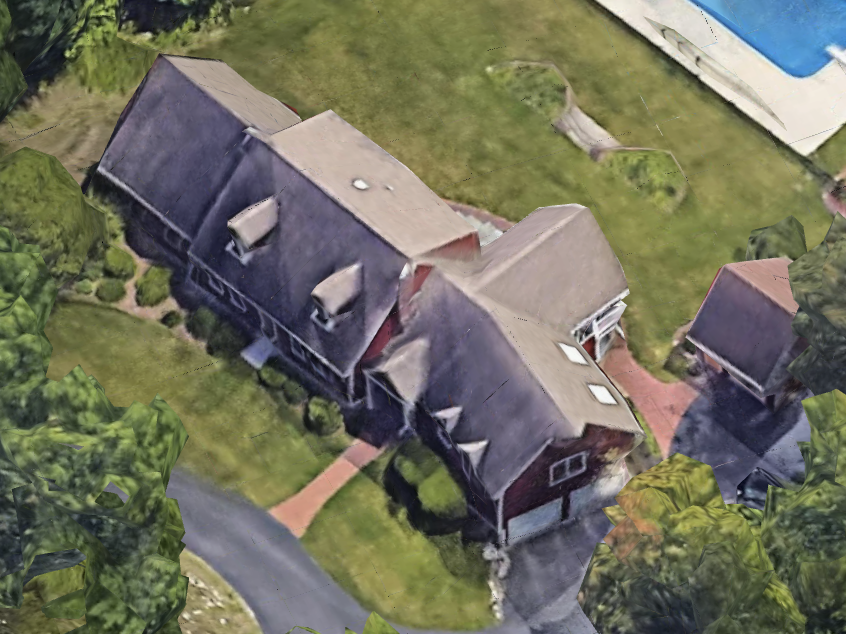
- Angle 2
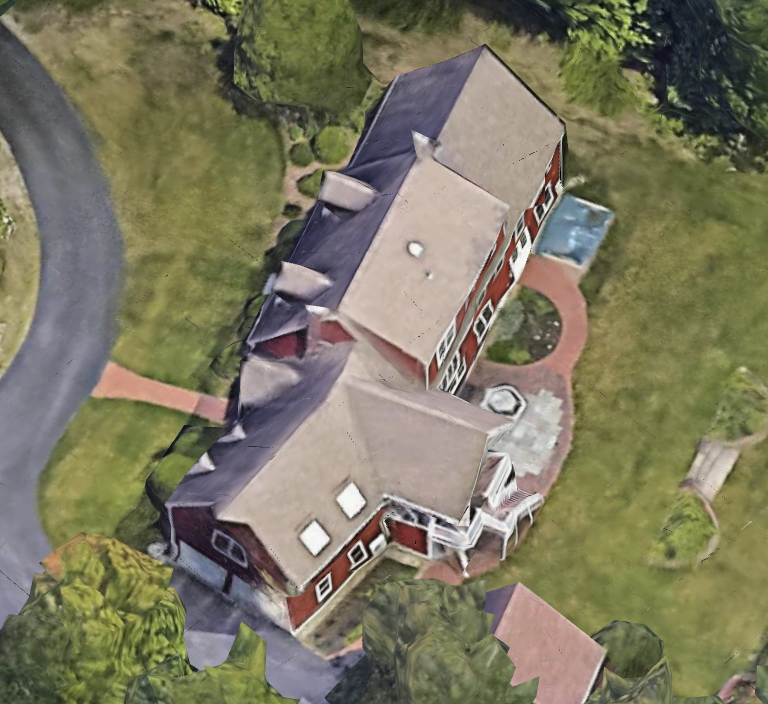
- Angle 3
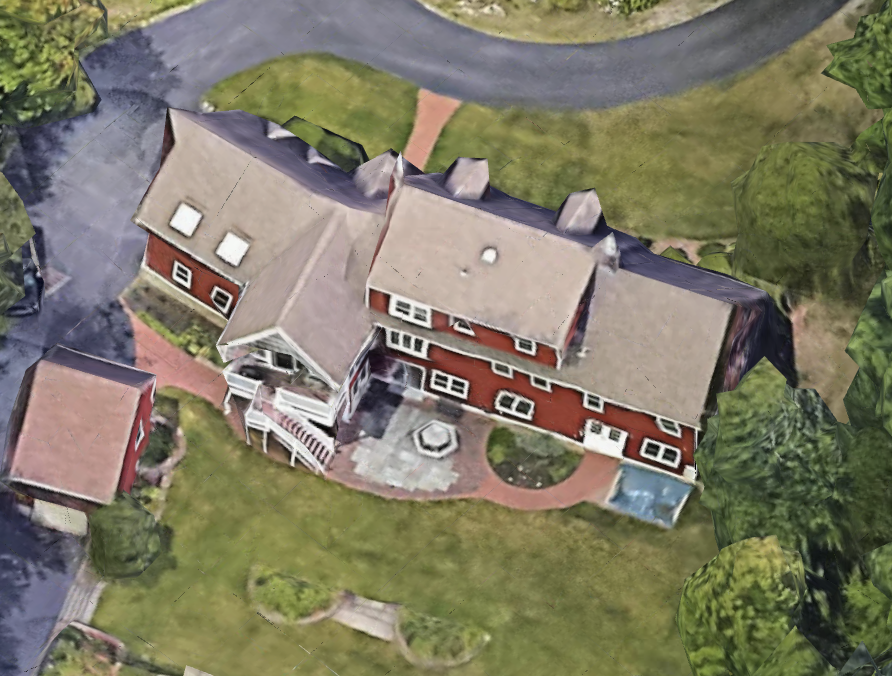
Then Google uses dozens of images like these to feed the AI.
This AI analyzes the images and creates a mesh.
The resulting mesh consists of a bunch of triangles:
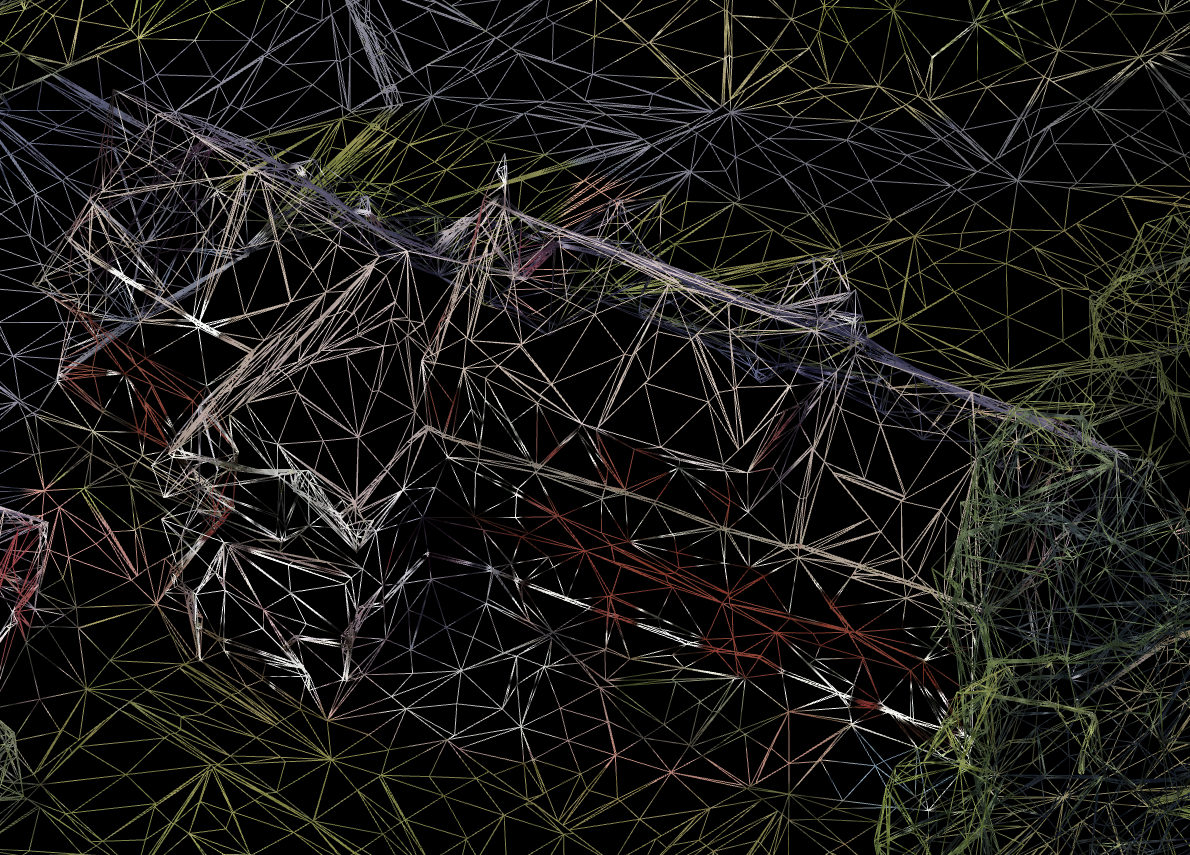
The next step is to obtain a small image for every triangle.
These small triangle images are saved in one big image called a texture:
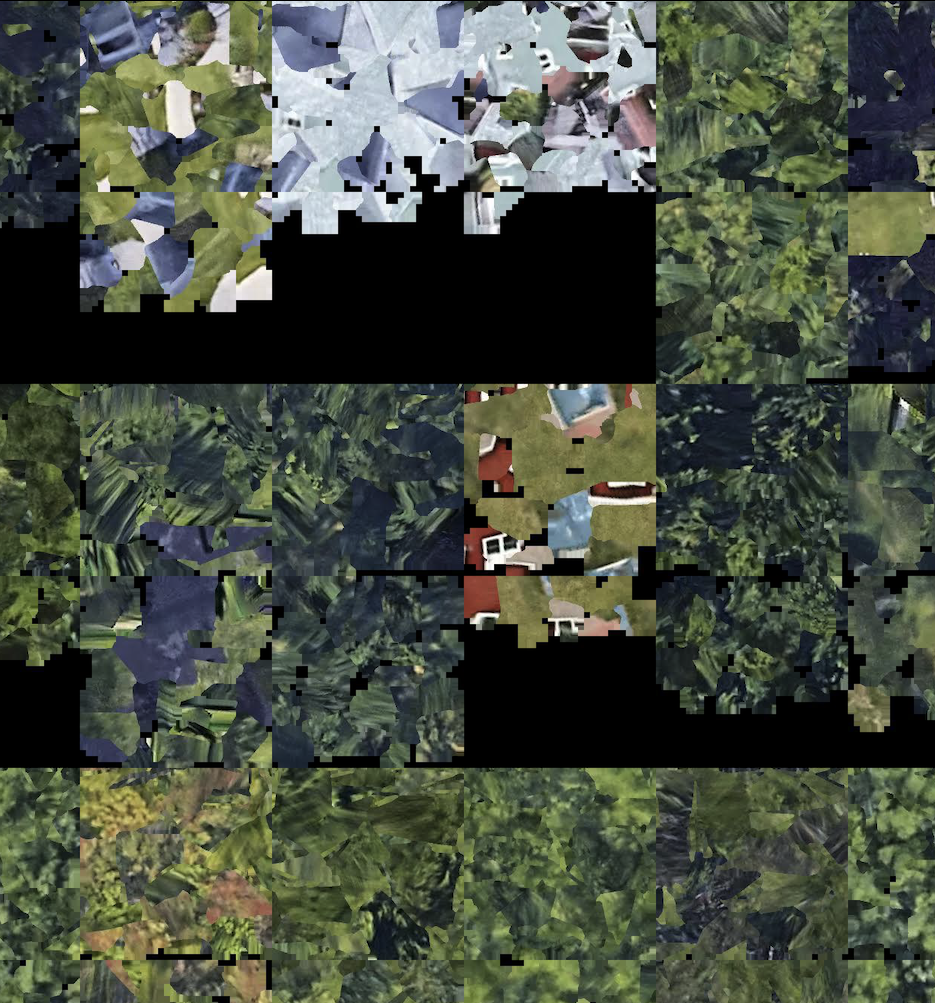
Now, when we glue the mesh and texture, the result is this in 3D:
# CAD Editor
When the user clicks on some plate to mark the plate center, they are actually clicking on one triangle.
Then, the editor looks at the surrounding neighboring triangles and, if the triangle's normal is very similar to the normal of the first triangle, it includes that triangle as a plate triangle. (Cyan triangles)
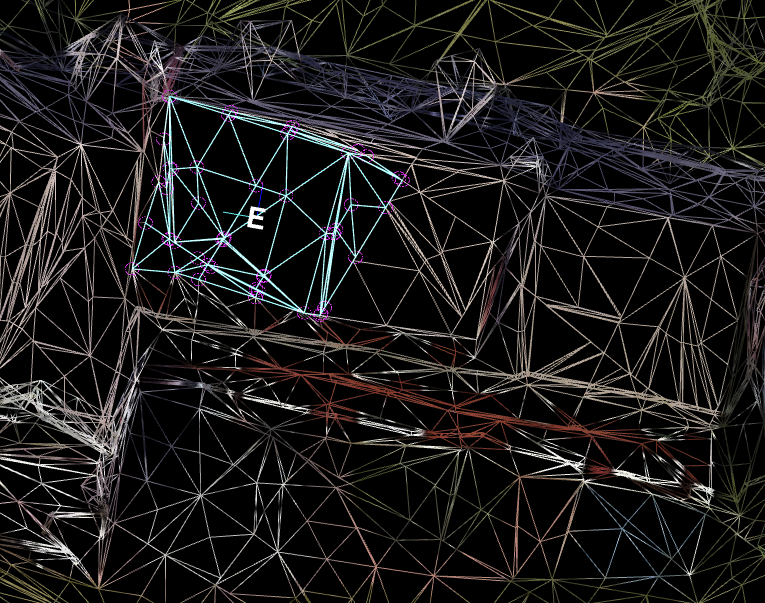
Finally:
- The plate center is calculated as the average center of all plate triangles.
- The plate normal is the average normal of all plate normals, then corrected by azimuth.
# Conclusion
The first triangle is important, so we need to be careful where we click to mark the plate center.
We need to avoid:
- Clicking near trees
- Clicking near edges
- Clicking near obstacles
If the center letter looks suspicious, we can delete that plate and mark center again.
There's a small chance that we will hit the same triangle again, and we will see the plate letter in a different position.
The letters that are visible after "mark plate center" represent an infinite plane where we can draw the plate polygon.
The real center will be known after the polygon is drawn.